Revolutionizing UI Navigation with an MCP-Powered AI Voice Assistant
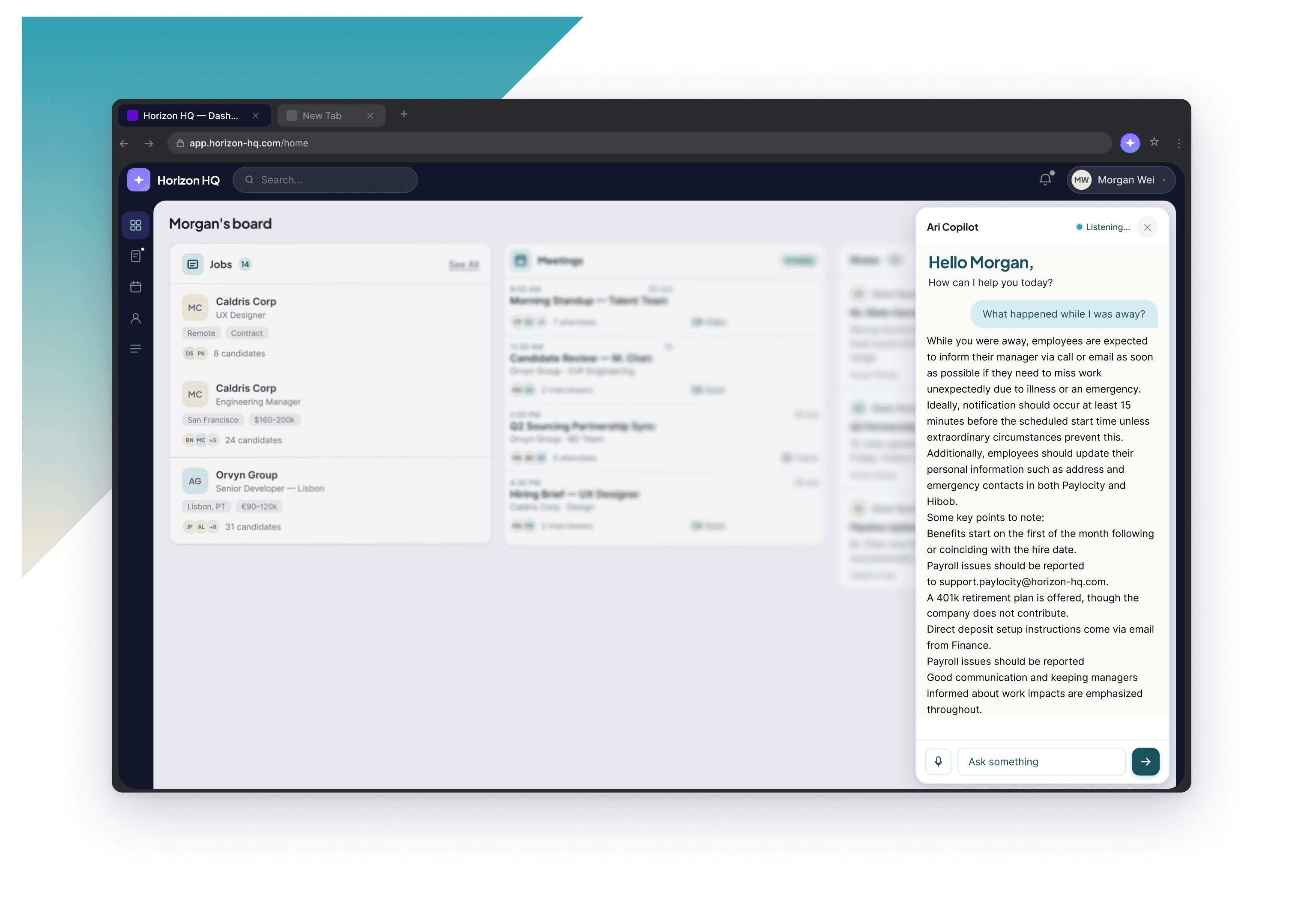
High cognitive load from juggling multiple screens and criteria simultaneously
Difficulty cross-referencing data across different sections of the platform
A growing database making manual search increasingly harder to manage over time




1. Start With Finding What's Possible
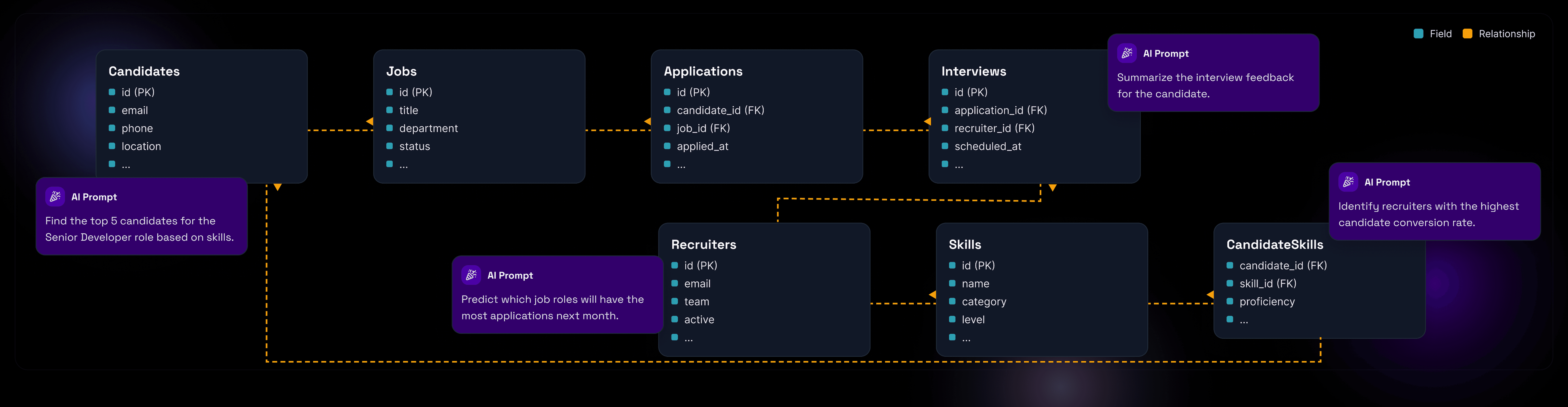
This project didn't use a linear process, it began with a question: what can we actually build? The team spent the first weeks in a technical exploration phase, investigating how the client's existing database was structured and what data could realistically be exposed to an AI model. Without understanding what the data looked like, any concept would have been built on assumptions.
2. Iterate, Iterate and Iterate
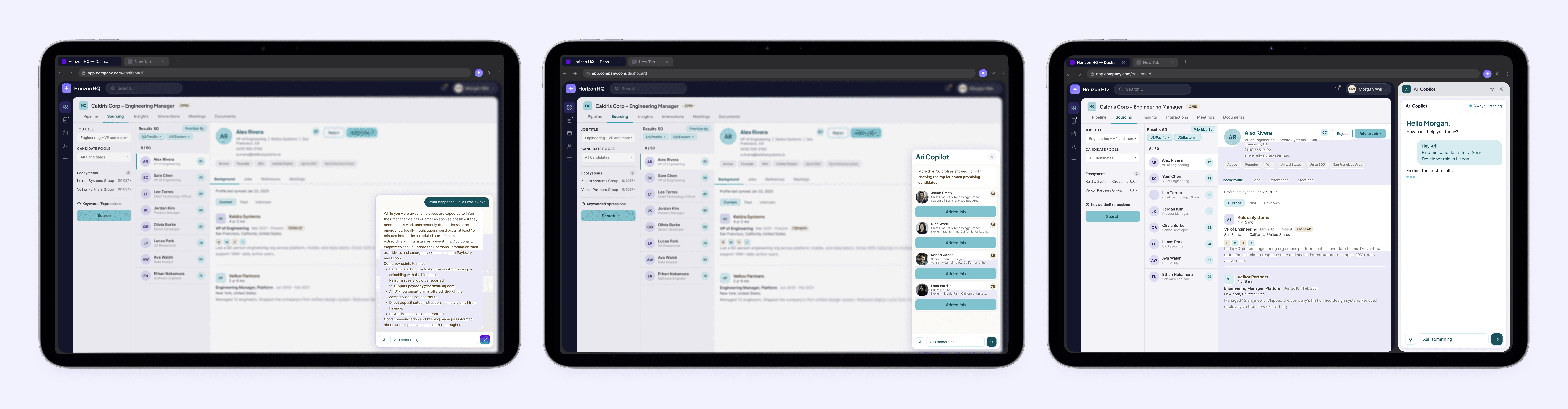
Unlike a traditional project where you define, design, then build, this one moved in cycles. The team would explore a technical possibility, sketch out an interface, test it against real data, discover a constraint, redesign, and test again. This happened repeatedly and intentionally. The iteration cycles kept the work grounded in what was real and buildable, while continuously validating value with the client along the way.
3. The Data-First Architecture
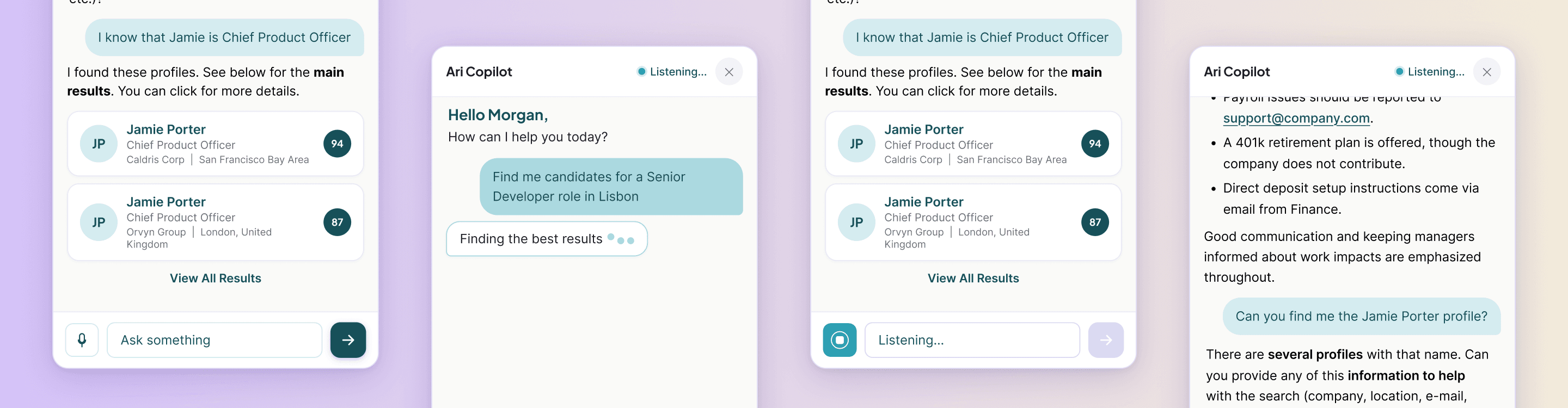
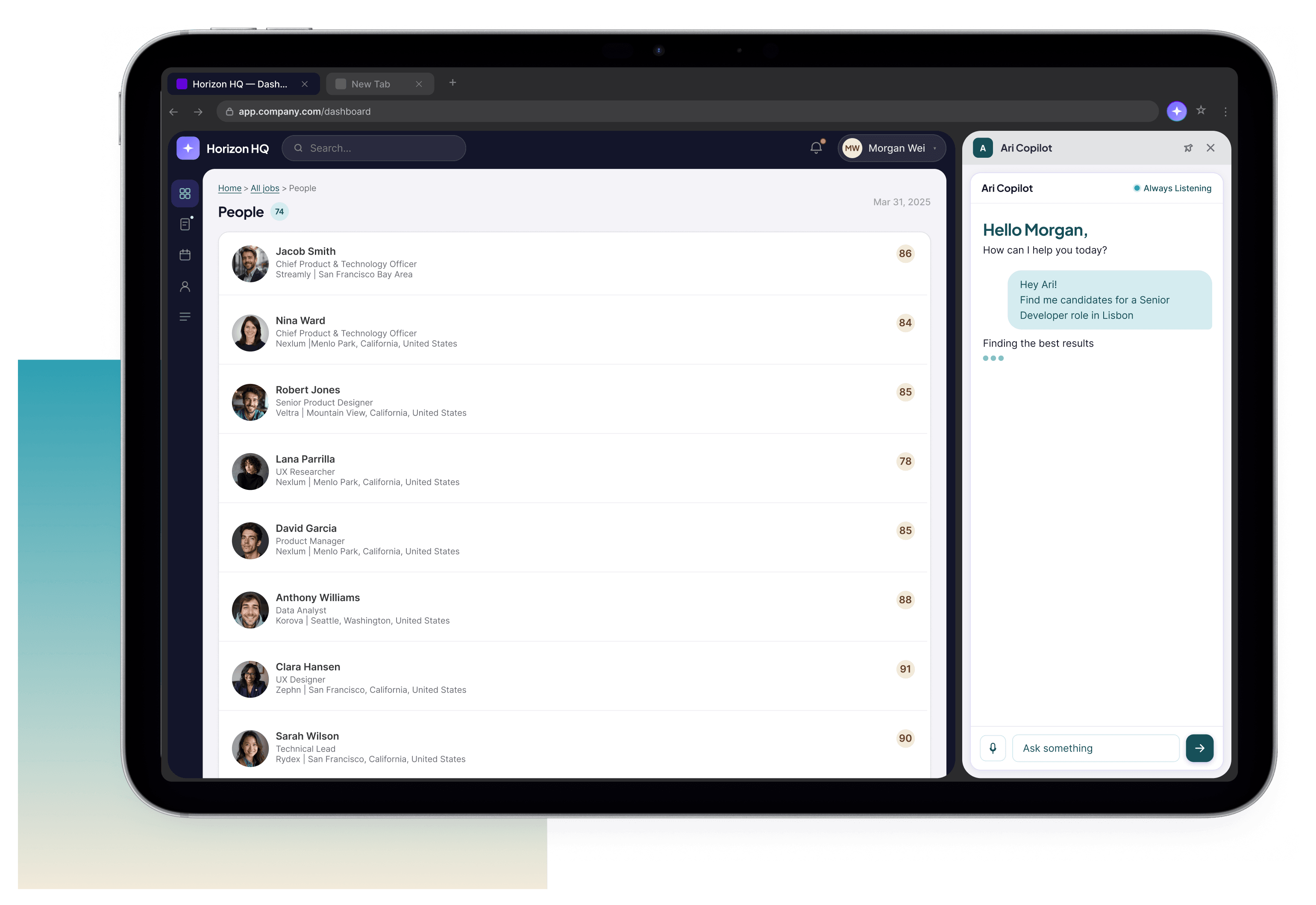
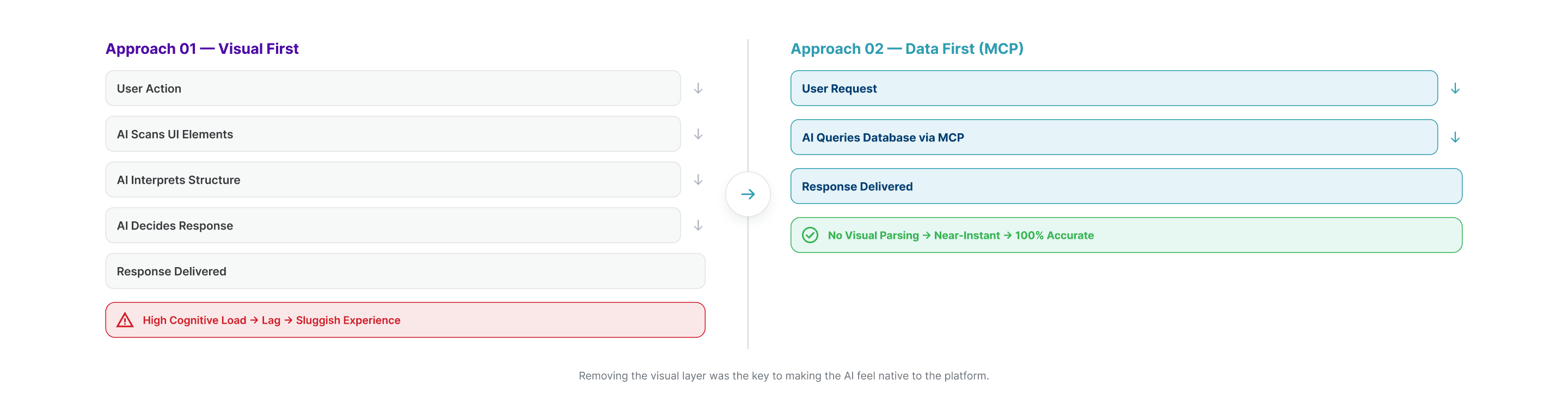
An early approach attempted to give the AI the ability to "see" the interface, identifying UI elements in real time to guide navigation. In practice, the cognitive load on the model was too high, causing noticeable lag and making the experience feel sluggish. The pivot was instead of teaching the AI to observe the UI, the team built a direct connection to the database using the Model Context Protocol (MCP). This removed the visual layer entirely for data tasks, making responses near-instant and 100% accurate to the system's live state.
4. Growing the Tool Together
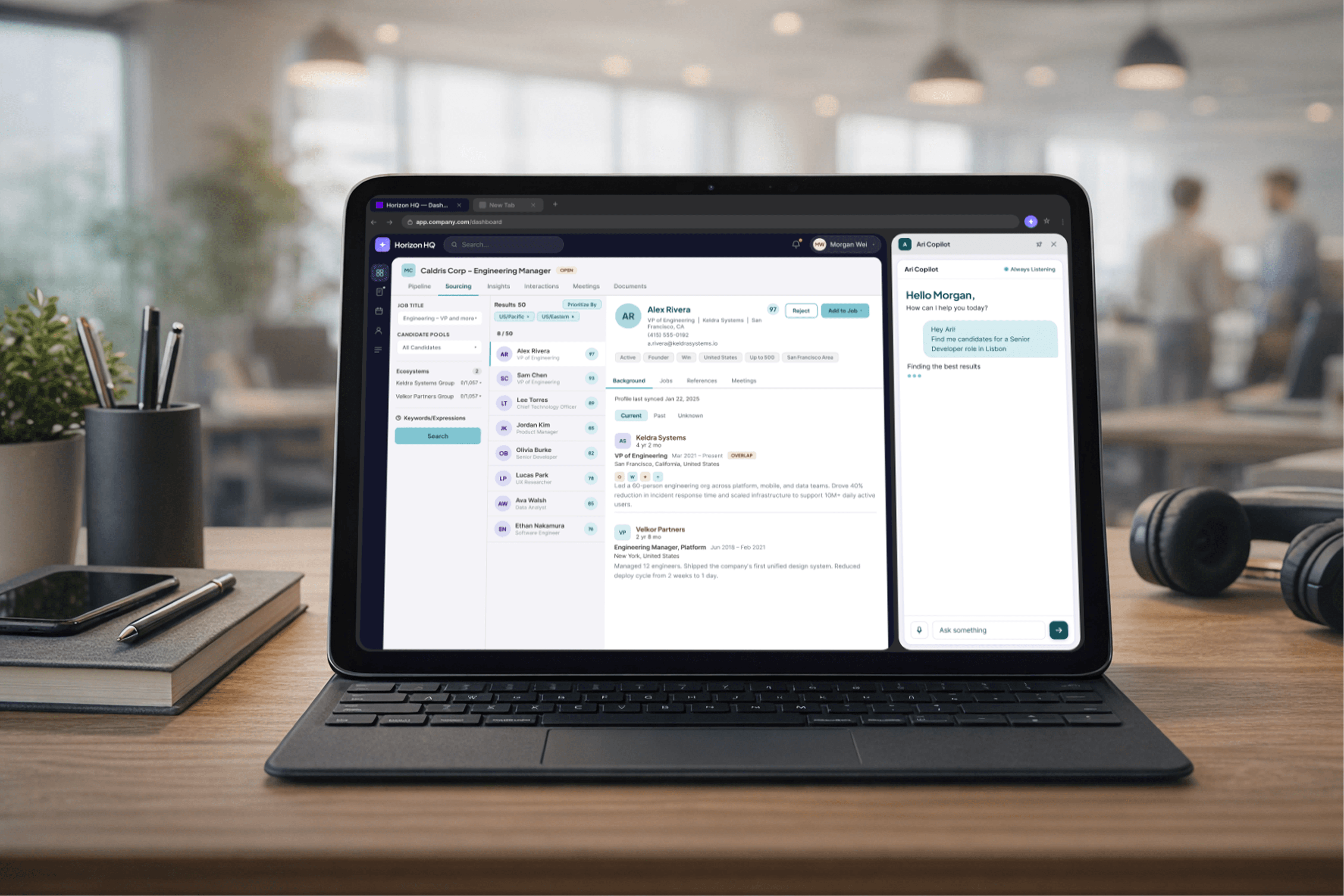
Launching the first functional version of Ari Copilot wasn't the finish line, it was the starting point for a new kind of collaboration. Once the client's team began using the extension in their daily work, real feedback started coming in, small friction points, new use cases, edge cases that only surface when a tool meets real-world conditions. To help the client's internal team get up to speed quickly, a technical onboarding document was produced, covering how the extension works, how to interact with it, and what to expect as the tool evolves.