Quick Audit
Roadmap com quick wins e ações estruturais
Manual and automated review (WCAG 2.2 AA / EN 301 549) up to 100 pages
Identification and prioritization of issues
Report with clear recommendations and priorities
OutSystems lets you build and ship faster than ever, but without accessibility, you’re creating compliance risk, technical debt, and lost users.
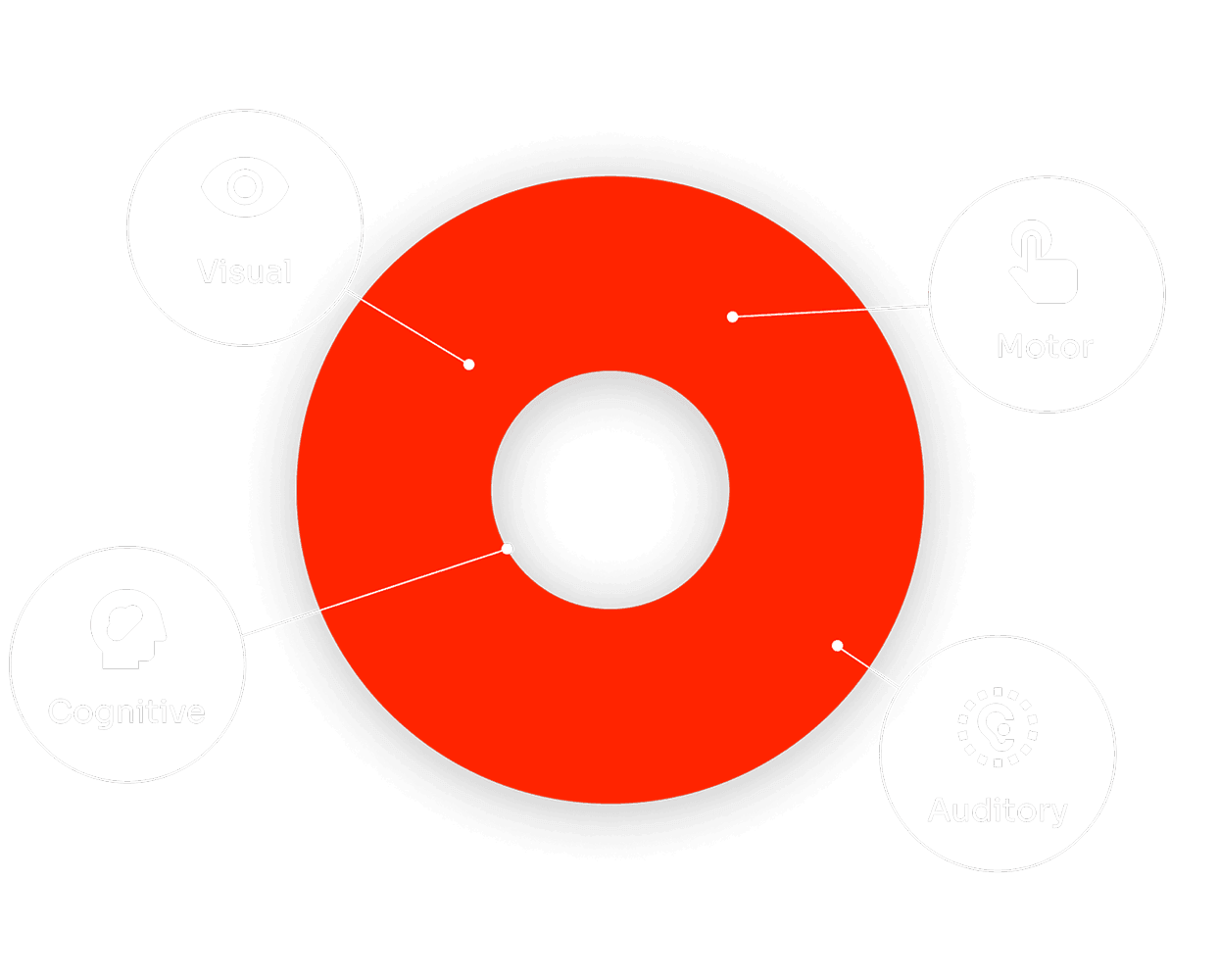
Integrating accessibility into your OutSystems workflow from day one means no rework, no compliance risks, and a product everyone can use, without slowing down delivery.
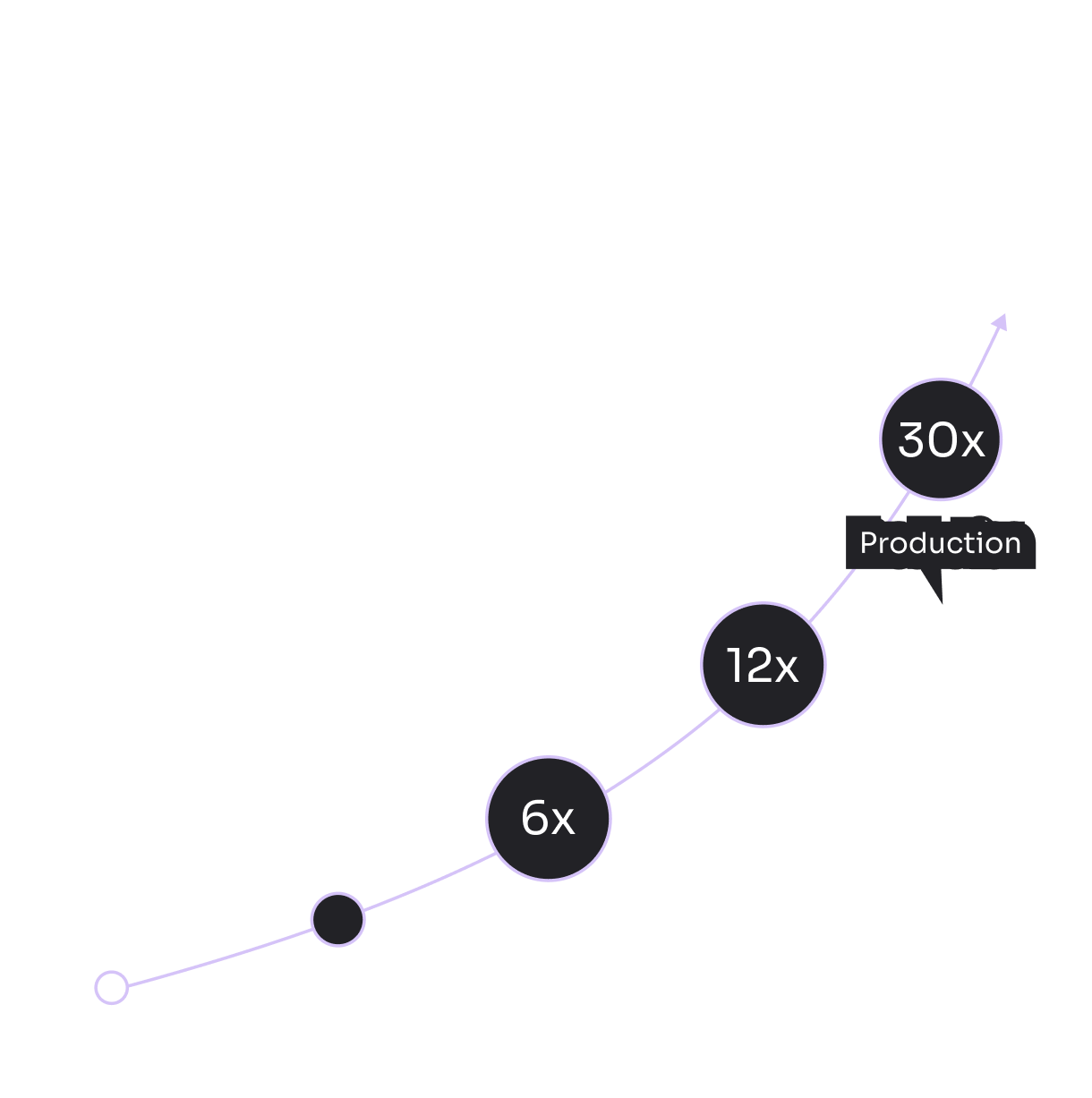



OutSystems gives you a solid foundation, but real projects break accessibility in customization.

Roadmap com quick wins e ações estruturais
Manual and automated review (WCAG 2.2 AA / EN 301 549) up to 100 pages
Identification and prioritization of issues
Report with clear recommendations and priorities
Estimated timeframe: 2 weeks
Remediation of up to 100 identified issues
Manual test (1 page / 55 criteria)
Automated test (up to 40 pages)
Detailed accessibility report
Direct execution by our team
Estimated timeframe: 1 month
Remediation sprints focused on priorities
Code remediation (web and low-code)
Reassessment and validation of corrections
Training for developers to prevent regressions
Access to platform with reports and tracking
What is digital accessibility?
It's the practice of making websites and apps usable by people with disabilities. Beyond compliance, it improves usability for everyone, expands your audience, and reduces legal risk.
What regulations apply?
The EU Accessibility Act (EAA) is now in force across Europe. In the US, the ADA applies to digital platforms. WCAG 2.1 AA is the global technical standard referenced by most regulations.
What are the consequences of non-compliance?
Fines, lawsuits, and reputational damage, depending on your region and sector. More immediately: excluded users and a platform that doesn't meet procurement requirements in regulated industries.
How do I know if my app is accessible?
Automated tools like Lighthouse, WAVE, or Axe detect some issues, but manual testing is essential. Our audit combines both, covering 10 key screens in 5 days, with a structured report and action plan.
How long does it take to fix issues?
Most critical issues are resolved within 10 days. We prioritize by impact, provide an estimate for remaining work, and ensure fixes don't disrupt your existing workflows.
Does my team need training?
Yes. Accessibility isn't a one-time fix, new features can introduce new barriers. Training gives your team the knowledge to maintain compliance independently over time.
Which industries are most affected?
Government, healthcare, financial services, education, and e-commerce face the strictest requirements. But every organization serving the public has both a legal and ethical responsibility to ensure access.