
I've been using Claude Code in my day-to-day work for a while now, and along the way I've built up a set of habits and a small plugin setup that made a real difference in how much I get out of it. This isn't a general intro, it's what I actually run and what I do differently after enough trial and error.
Plugins, quickly
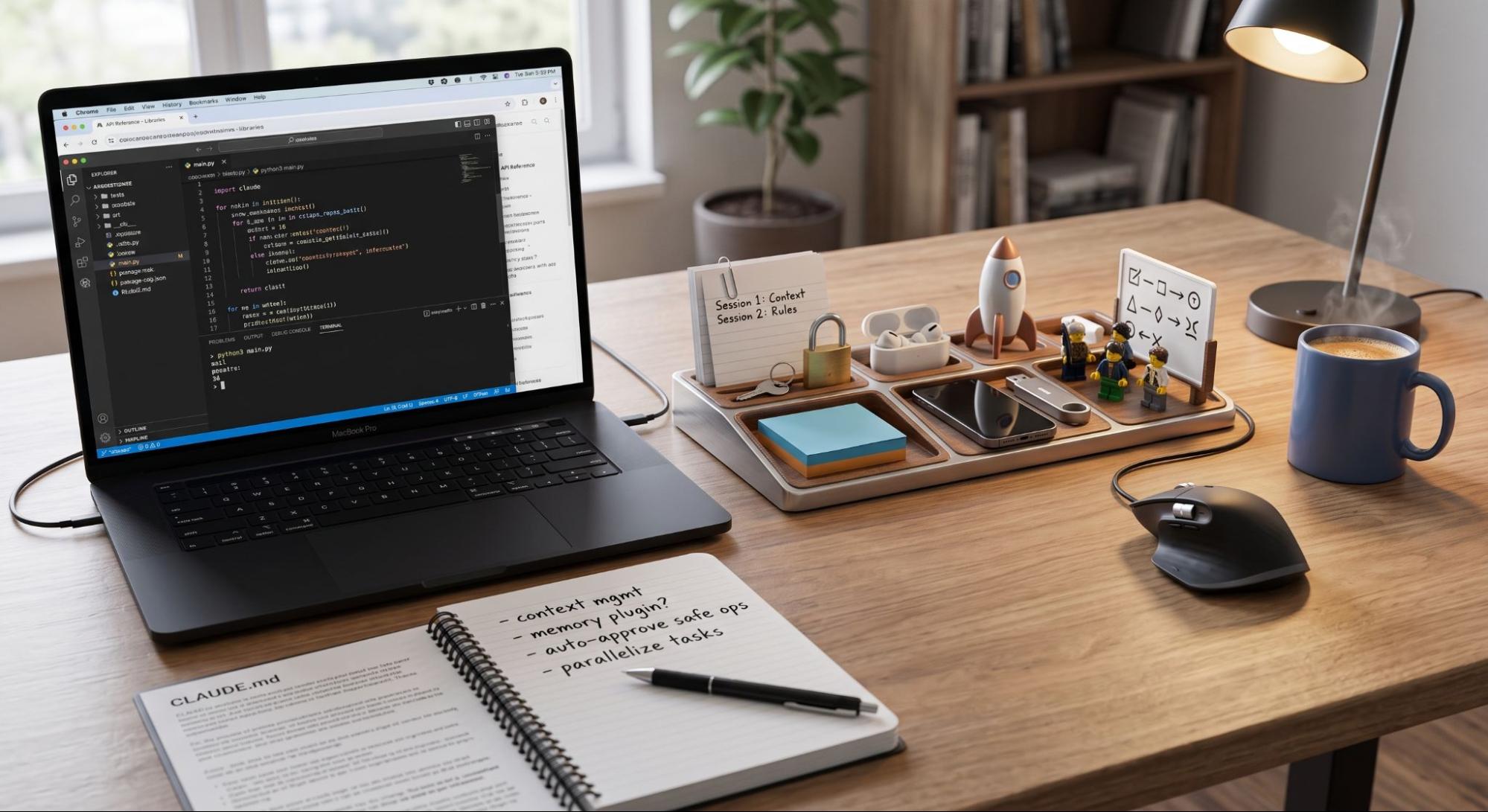
Custom commands (skills): shortcuts for operations we repeat often, invoked with /plugin-name:command;
Subagents: purpose-built agents for specific tasks (for example, code review or security);
MCP servers: connections to external tools and data sources through the Model Context Protocol;
Hooks: automation triggers at key points in the workflow (for example, automatically running the linter after every file edit);
LSP servers for code intelligence in specific languages, and even background monitors that watch logs or files and notify the agent when something relevant happens.
Claude-mem: the plugin that changed my workflow the most
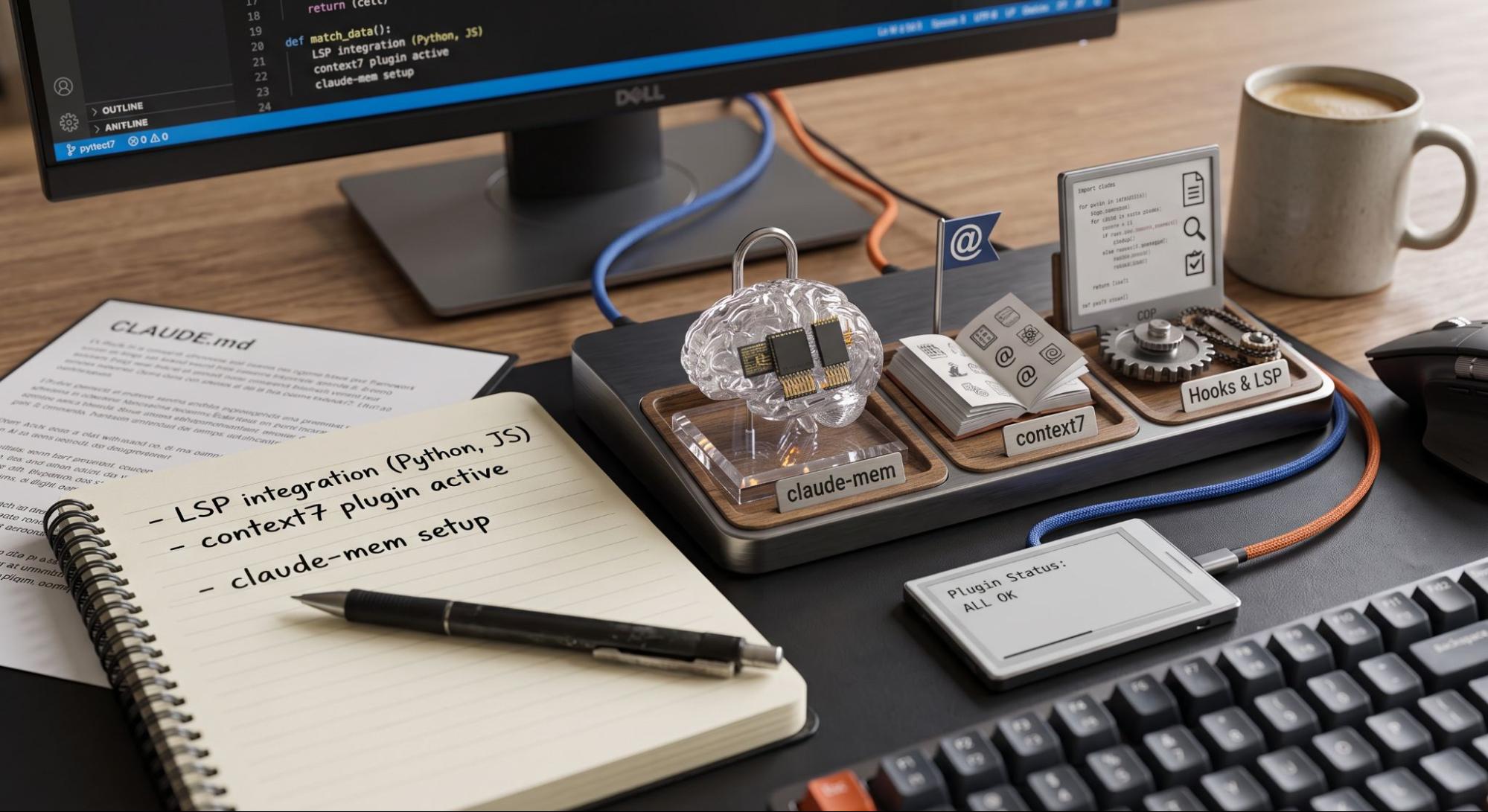
The biggest recurring annoyance with Claude Code, before I fixed it, was starting fresh every session. I'd open a new conversation and spend the first few minutes re-explaining the project structure, reminding it about a bug we'd already fixed the day before, or watching it re-read files it had already analyzed and land on the same wrong assumption again.
claude-mem fixes exactly that. It's a plugin that hooks into the session lifecycle, session start, every tool call, session end and quietly captures what happens: which files were touched, what decisions were made, what worked and what didn't. It compresses those raw observations into structured summaries using AI, stores everything locally, and then injects the relevant pieces back the next time I start a session on that project.
In practice, this means I no longer re-explain context I already gave it. If we fixed an auth bug yesterday, today's session already "remembers" it, no re-pasting, no re-reading files it already understood. It runs automatically in the background as part of the normal workflow, not something I have to remember to invoke.
The other plugin I keep installed is context7, which pulls current library and framework documentation into the context on demand, so the model isn't relying purely on what it learned during training when suggesting an API, genuinely useful given how fast some of the libraries I use move.
Together, these two are the difference between Claude Code as "a chat that forgets everything" and Claude Code as something closer to a teammate who actually remembers the project.
Tips & tricks: what I learned to do differently
Beyond the plugins, a set of habits clearly changed the quality of the results I get.
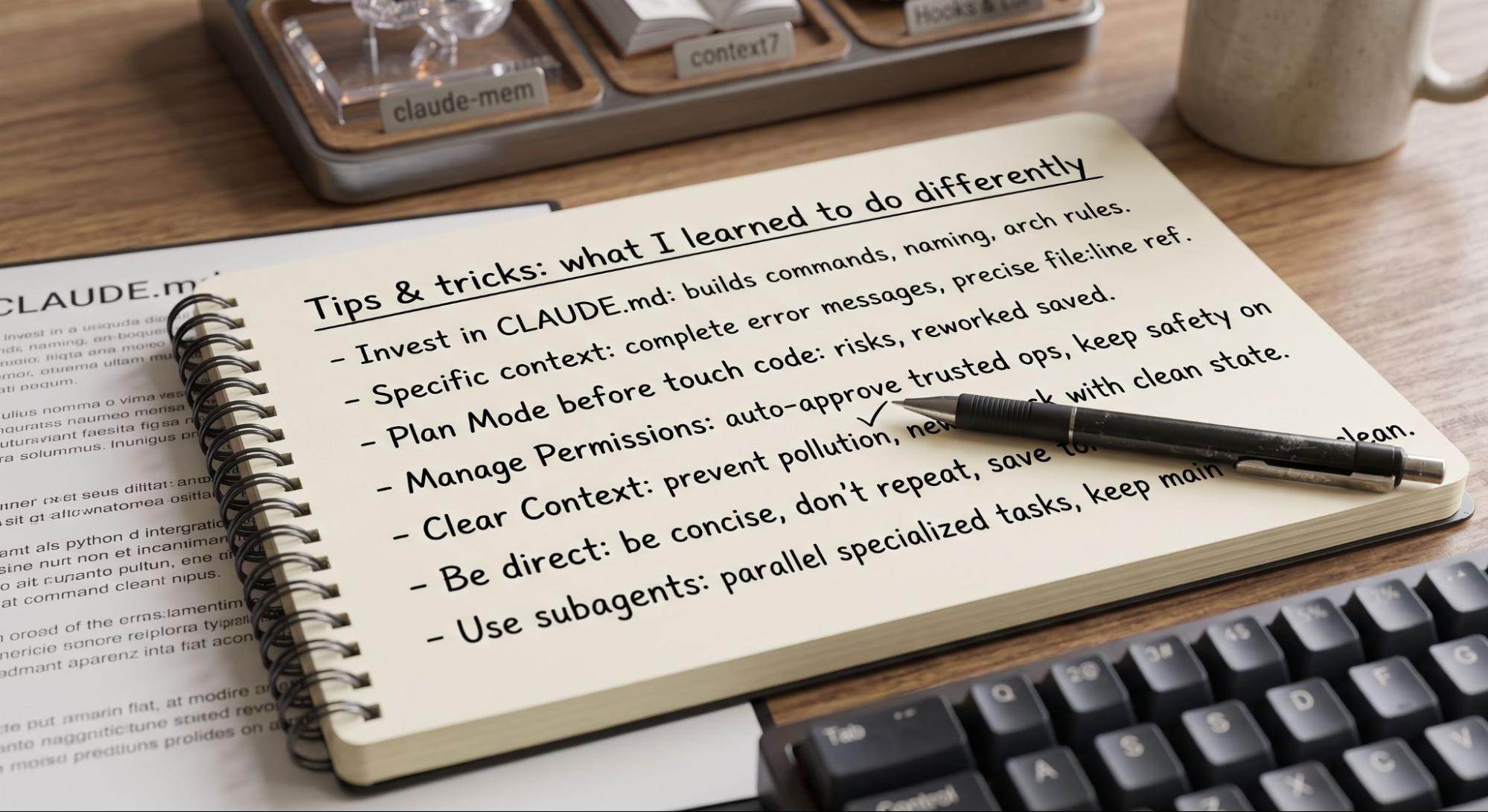
1. Invest time in CLAUDE.md. It's not a file you write once and forget. Build commands, naming conventions, architecture rules, things that should never be touched, all of this drastically reduces how often I have to correct the agent's course. Critical instructions highlighted (for example, with "IMPORTANT") tend to be followed more consistently.
2. Give specific context, not vague requests. File paths, complete error messages, precise file:line references, the more concrete the request, the fewer iterations it takes to get the right result. "Fix the bug" performs far worse than "test X fails with this error Y, likely related to Z."
3. Use plan mode before touching code. For more complex tasks, asking for a plan first (what will change, in which files, what the risks are) before authorizing execution saves rework and gives me a chance to catch bad decisions before they happen.
4. Manage permissions instead of approving everything blindly. By default, Claude Code asks for confirmation on actions that modify the system. I configured /permissions to auto-approve trusted operations (file edits, git commit) and keep the flow smoother, without giving up safety on more sensitive actions.
5. Clear context between unrelated tasks. Long sessions accumulate context that stops being relevant and ends up "polluting" later responses. Starting a new task with a clean context usually gives more focused answers than continuing an already-long conversation, with claude-mem running, I don't lose anything important by doing this.
6. Ask for more direct responses. It's common for the model to spend tokens on unnecessary summaries or confirmations. A simple instruction in CLAUDE.md like "be concise, don't repeat what was already asked" helps keep responses more to the point.
7. Use subagents for parallel or specialized tasks. For code reviews or investigating isolated parts of the codebase without derailing the main conversation, delegating to a subagent keeps the main context from getting cluttered with information that only matters to that specific task.
Is it worth it?
After a few months of using it this way, yes, clearly. But the value didn't come from installing Claude Code and using it out of the box. It came from writing a proper CLAUDE.md, adding claude-mem so sessions actually build on each other instead of starting from zero, and building the habit of giving specific context instead of vague requests. That's the setup that turned it from "a chat that writes code" into something I genuinely rely on every day.
What is the claude-mem plugin and how does it help?
It automatically logs your session decisions, modified files, and fixed bugs, injecting these local summaries back into future sessions so you never have to re-explain project context.
Why is maintaining a CLAUDE.md file so effective?
It acts as a persistent project manual, storing build commands, architecture rules and coding conventions, to guide Claude Code toward accurate, aligned results without constant course corrections
Why should you use plan mode before touching code?
Asking for a plan on complex tasks outlines intended file changes and potential risks first, letting you catch bad architectural choices before any actual code gets modified.
How does managing permissions optimize your workflow?
Configuring permissions to auto-approve routine, trusted actions (like simple file edits or git commits) removes constant confirmation popups while keeping sensitive commands secure.