
An enterprise application has a dashboard used by several departments. Some employees find it overloaded with information, while others want more data. Managers ask for quicker access to approvals, and operational teams want their assigned tasks to appear first.
Creating different dashboards for each group might help, but the problem could also be a poorly organized interface. If everyone struggles with the same navigation or layout, creating personalized versions may increase the work required to maintain the application without making it easier to use.
Before introducing personalization, product teams need to understand whether users genuinely have different needs or are experiencing the same usability problems. That distinction should guide the decision.
When a shared interface needs improvement
Enterprise applications support different responsibilities, but not every usability problem requires a personalized solution.
When employees across departments struggle to find the same functionality, the navigation may need attention. A confusing form might need clearer labels or a better structure, regardless of who uses it. Likewise, information that is difficult to interpret may need a different presentation rather than a different audience.
Consider a dashboard where everyone repeatedly applies the same filter to find relevant records. Changing the default filter could solve the problem for all users. If different departments consistently need different datasets, however, role-specific defaults may be useful.
Observing how people work helps distinguish these situations. Personalization should respond to differences in user needs that a well-designed common interface cannot adequately support.
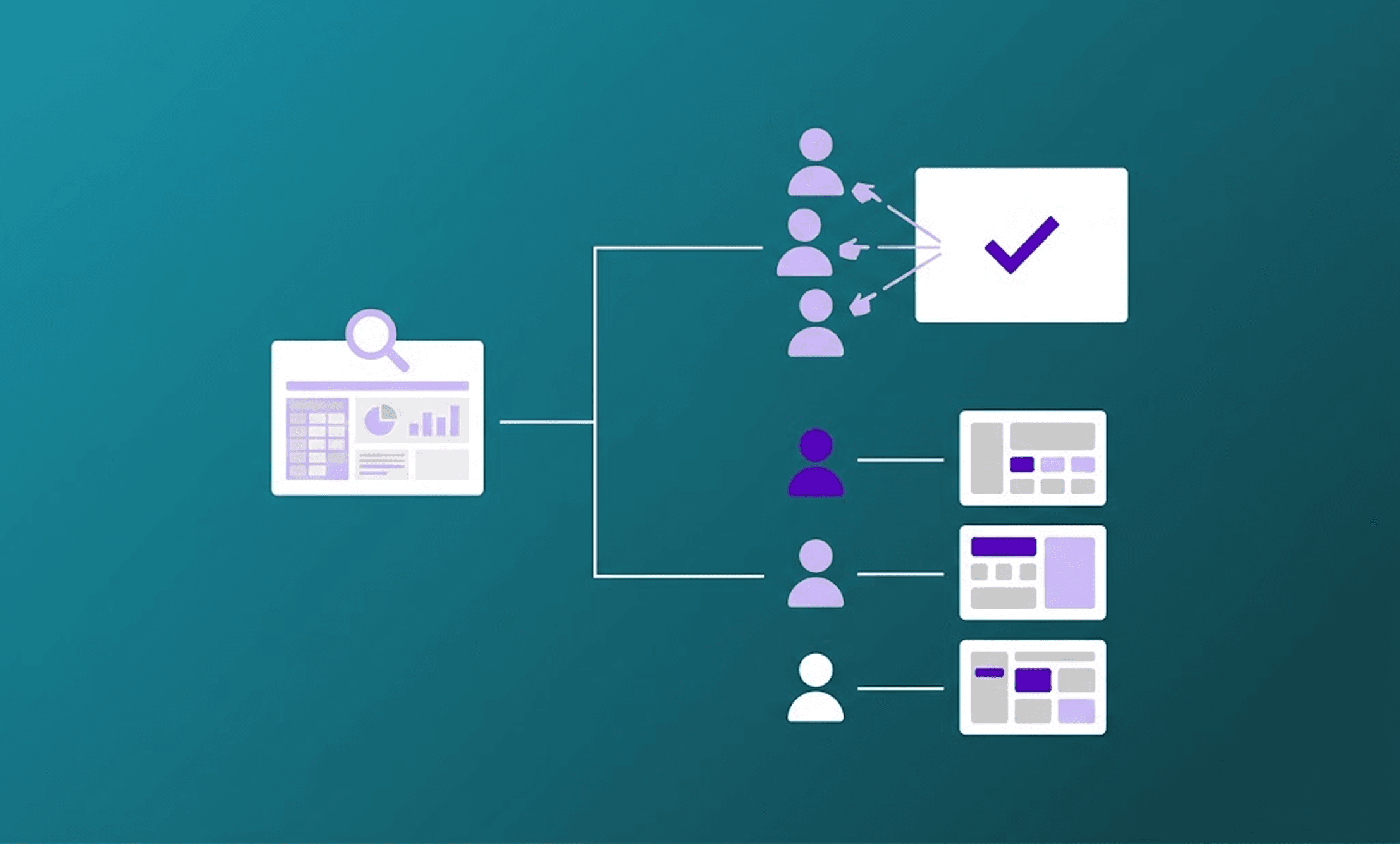
When personalization creates usability problems
An interface that adapts to someone's role or current task can reduce unnecessary navigation. However, changes become problematic when users cannot predict where information or actions will appear.
For someone completing the same workflow every day, familiar navigation and interaction patterns are valuable. If the application frequently rearranges menus or moves controls without explanation, finding those actions may become harder.
Another risk is hiding information too aggressively. An employee who normally works on one process may occasionally need to investigate another. Prioritizing the most relevant content can be useful, but authorized users should still be able to reach less frequently used functionality.
Teams should therefore define which aspects of the interface can change and which should remain stable. Navigation behavior, terminology and essential interactions should stay familiar across supported configurations.
Accessibility and user control
Personalized experiences must remain accessible in every supported configuration. Changes to layout or navigation can affect keyboard interaction, focus order and how assistive technologies interpret the interface.
The W3C's WAI-Adapt work explores ways to support adaptations based on individual needs. Its supplementary guidance on personalized and familiar interfaces also addresses the importance of familiar presentation and user preferences. This supplementary guidance does not introduce additional WCAG conformance requirements.
Where appropriate, users should be able to save preferences or return to a familiar configuration. However, those choices must remain compatible with accessibility requirements, business rules and access permissions.
Testing should consider the complete experience, including how components behave when a layout changes or when different actions become available. An accessible component does not guarantee an accessible workflow in every configuration.
Is the benefit worth the maintenance cost?
Each personalized variation introduces behavior that teams may need to design, implement and test. A dashboard that changes according to a few defined roles may be straightforward to support. Adding individual preferences, workflow-specific variations and departmental exceptions can make the application considerably harder to maintain.
Changes to shared components may affect multiple configurations, while new workflow states can introduce additional behavior. These costs matter when deciding whether a variation is worthwhile.
A small convenience in a rarely used process may not justify maintaining another configuration. By contrast, a change that addresses repeated difficulties in a frequently used workflow may deserve closer investigation.
Teams should also consider how long a variation will remain useful and who will maintain its rules. A temporary exception can become a permanent dependency as the application evolves.
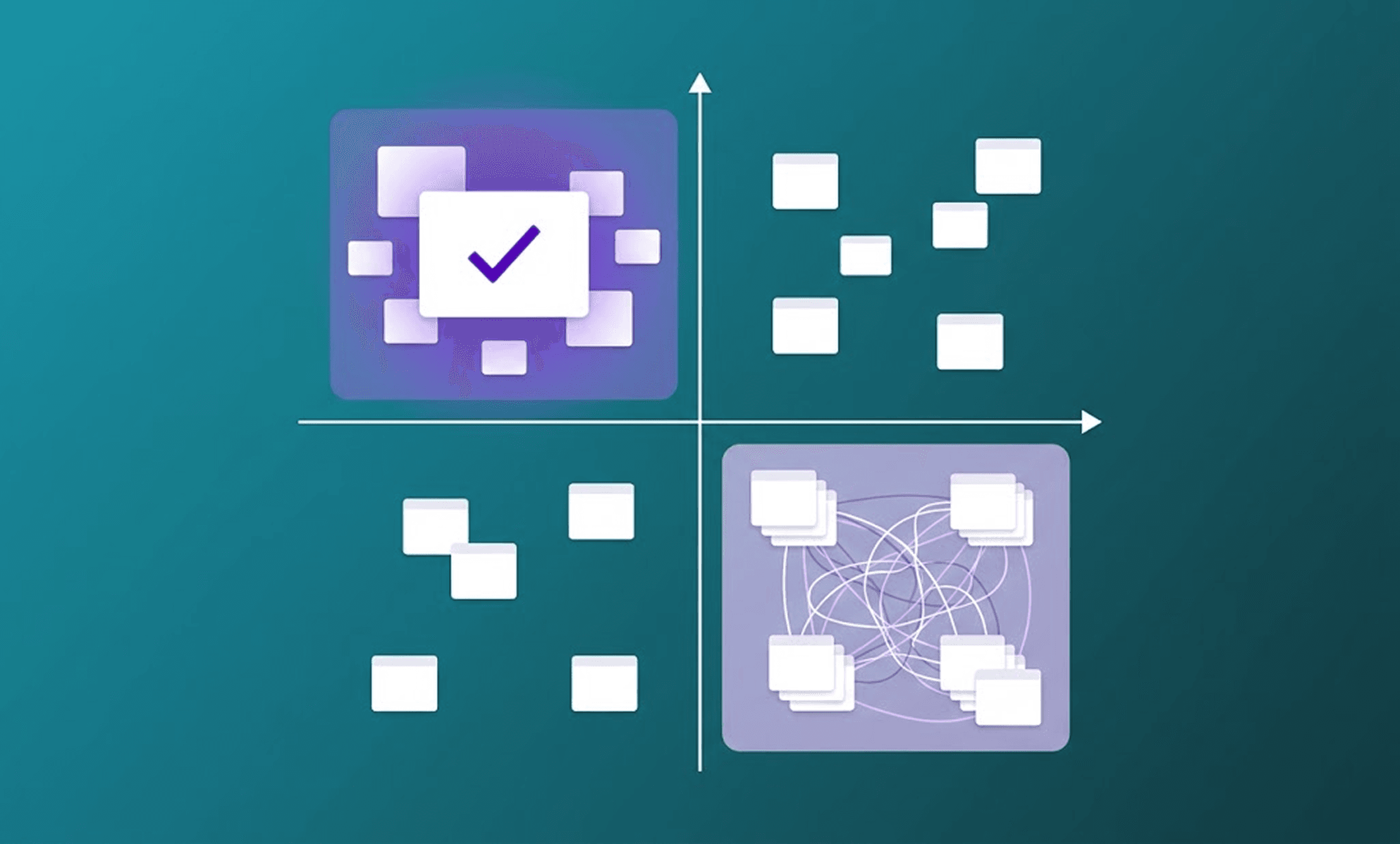
How to evaluate personalization opportunities
User interviews, workflow observation, usability testing and available usage data can reveal where employees encounter recurring difficulties.
For example, managers might navigate through several screens to locate documents needed for approval. Operational employees may repeatedly search for their assigned tasks. These behaviors indicate friction, but they do not establish that personalization is the right solution.
Product teams should investigate the cause and compare possible changes to the common interface with role-based or contextual alternatives. These are examples of the operational friction discussed in our article on the invisible cost of poor UX in enterprise applications.
Before implementing a personalized experience, teams should define the expected improvement. Depending on the workflow, useful measures include task completion time, success rates, errors and unnecessary navigation steps. User feedback can help assess whether the resulting interface remains understandable and predictable.
Where possible, evaluations should compare equivalent tasks and user groups before and after the change. Training, process changes and other interface improvements may also influence the results, so improvements should not automatically be attributed to personalization.
Making the decision
A common interface is often preferable when users have similar needs or when a shared design improvement can resolve the problem. Personalization becomes more relevant when differences between responsibilities or tasks consistently affect how people use the application.
At Mediaweb, UX/UI Design and Front-end Development are considered together when evaluating changes to enterprise digital products. This helps teams assess how interface decisions affect application behavior, reusable components and long-term maintenance.
A practical starting point is one workflow where users repeatedly encounter difficulties. Investigating the cause allows teams to compare a personalized experience with improvements to the existing interface.
Not sure whether to personalize or simplify? Talk to our team.